Getting Started
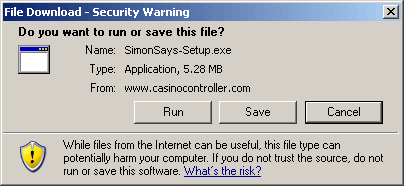
- Click the "Download" button (over to the right!) to begin your download. Click "Save". It only takes a few minutes do save the file to your computer.
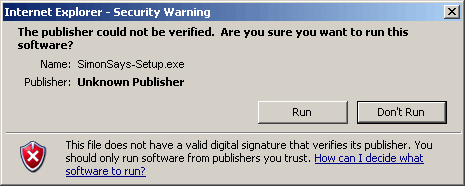
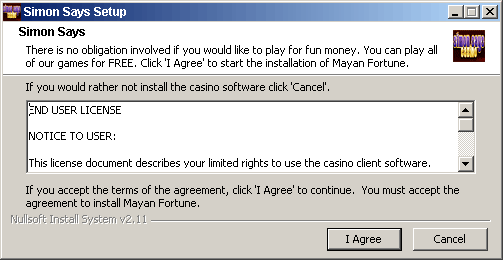
- Double-click the file when it is done downloading. This will start the installation of the software.
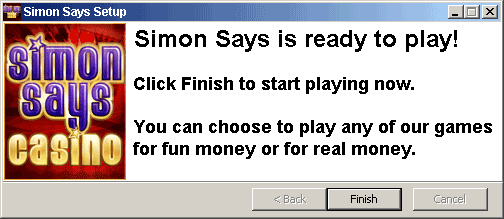
- After the software is installed it will say "Simon Says is ready to play!". Click "Finish" and the casino will start.
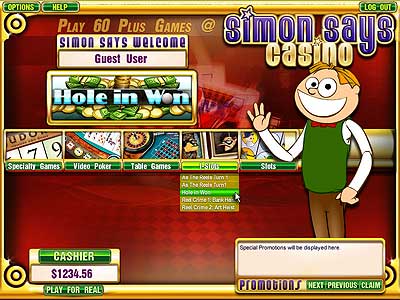
- THe first time the casino starts it will ask you whether you want to play for fun or for real moneh. Make your choice and you'll be prompted to register. After filling in your info you will have an account and can login.
Congratulations, you have an account! If you are playing for real money you will have to make a deposit before you can play. Visit the cashier, click "Deposit" and choose the deposit method of your choice.
Download Instructions
Here are some screenshots to help through the process of downloading.